
Feedback
AI Video Maker - Create Videos Instantly
Create videos from text or images. AI Video Maker transforms ideas into stunning content.
All Tools
Discover our comprehensive AI-powered animation toolkit

Free AI Video
100% Free AI Video Generator
Seedance2.0
The Future of AI Video Is Here.
Omni Video
Gemini Omni Video Generator
GPT Img 2
GPT Image 2 AI Image Generator

Veo 3.1
Create Stunning Videos with Veo3.1

Kling3.0
Next-Gen AI Video Generator
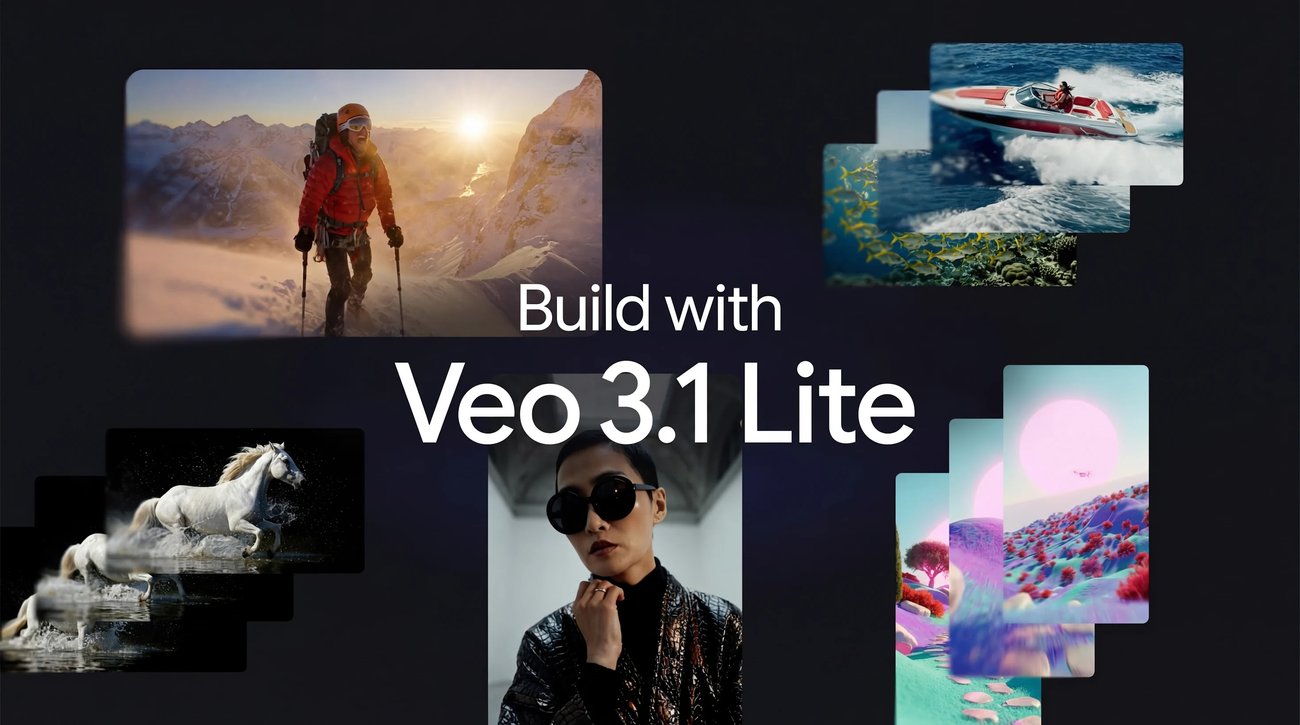
Veo 3.1 Lite Video Generator
Create Stunning Videos with Veo 3.1 Lite
Kling Motion Control
Turn reference images into amazing motion videos in minutes
Why AI Video Maker?
AI Video Maker transforms text into professional videos. Edit videos with simple commands - add effects, remove objects, change backgrounds.
- Text CommandsAI Video Maker creates and edits videos using simple text descriptions.
- Object RemovalInstantly erase unwanted elements from any video.
- Effect AdditionAI Video Maker applies rain, sparks, anime, and cyberpunk effects.
Using AI Video Maker
Create and edit videos in 3 simple steps. AI Video Maker simplifies professional video creation.
AI Video Maker Features
AI Video Maker provides powerful video editing and creation tools controlled by simple text commands.
Appearance Edit
AI Video Maker modifies subject age, style, clothing, and appearance.
Weather Control
Transform scenes from sunny to rainy with simple prompts.
Visual Effects
AI Video Maker adds rain, sparks, anime, and cyberpunk effects.
Object Removal
Remove watermarks and unwanted elements using AI technology.
Background Swap
AI Video Maker replaces backgrounds while preserving subjects.
Angle Adjust
Switch camera angles and perspectives with text commands.
AI Video Maker Questions
Common questions about AI Video Maker features and video creation capabilities.
What is AI Video Maker?
AI Video Maker is an AI-powered tool that creates and edits videos using simple text commands, enabling background changes, object removal, and effect additions.
What can I create with AI Video Maker?
Change backgrounds, remove objects, add visual effects, adjust weather conditions, modify appearances, and transform camera angles.
How fast is AI Video Maker?
AI Video Maker processes most video edits in 30-90 seconds depending on complexity and duration.
Is AI Video Maker free to use?
AI Video Maker offers free starting credits. Premium plans unlock unlimited video generations and advanced features.
Is AI Video Maker easy to use?
Yes, AI Video Maker requires no technical skills - simply describe desired changes in plain text.
What projects work with AI Video Maker?
AI Video Maker suits social media content, marketing videos, films, personal projects, and commercial productions.
Start Creating with AI Video Maker
Transform your videos with AI Video Maker. Create professional content using simple text commands today.